Using the browser on mobile and computer
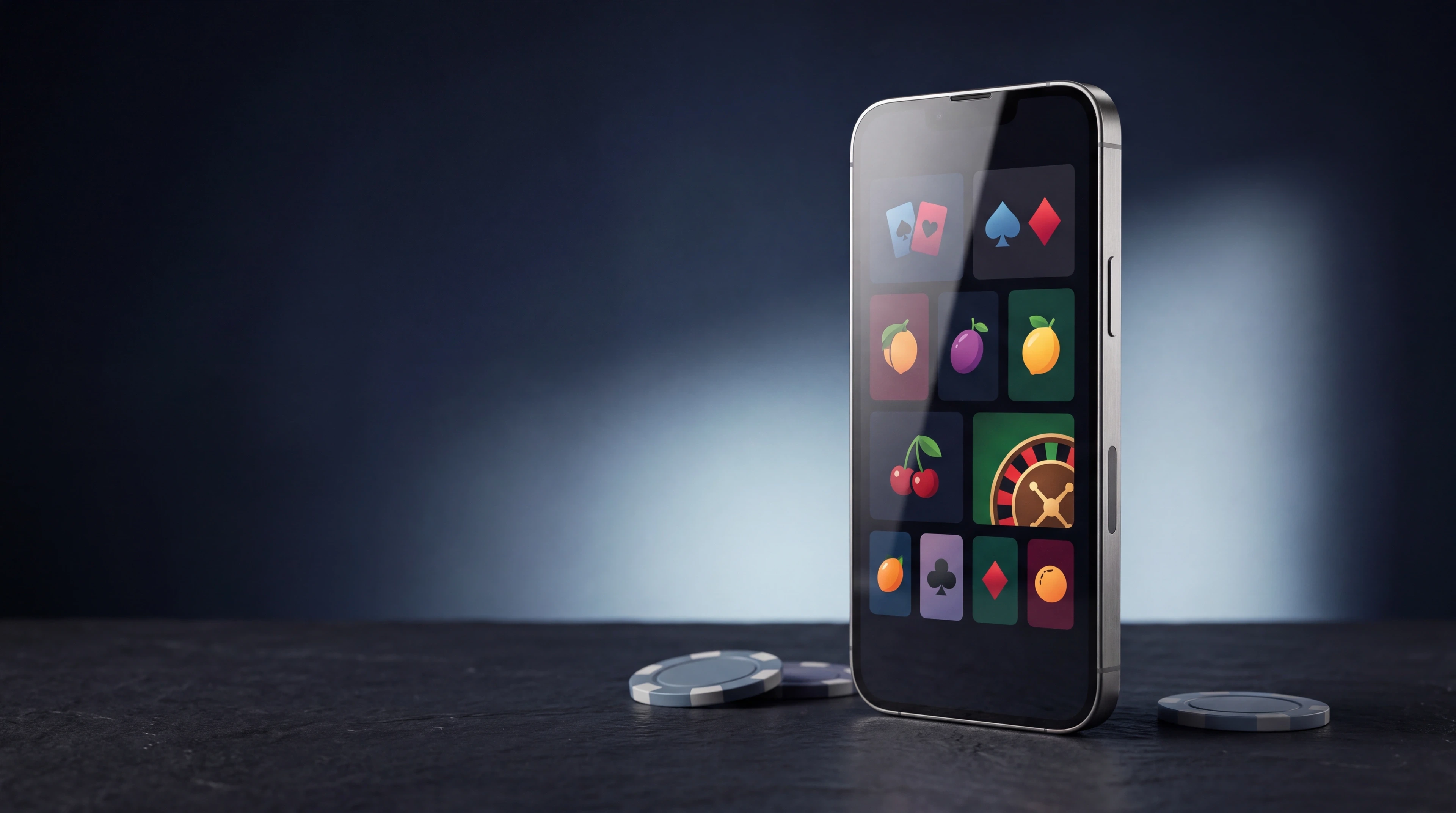
Cazeus Casino can be used directly from the browser, on both mobile and computer, without installing anything. The platform supports instant play and a mobile web version, so all you need to do is open the page in an up-to-date browser and enter the catalogue. Spanish is among the available languages, which makes navigation easier.
On a computer, the large screen is convenient for comparing games, opening several categories and following slots, table games, live casino, game shows and jackpots in more detail. On mobile, the vertical format favours short sessions and one-handed browsing. Live casino games are streamed, so it is best to turn the phone to landscape to see the table better.
To play without problems, use an up-to-date browser, a stable connection and, on mobile, prefer Wi-Fi or good coverage when playing live, because streaming uses data. If a page is slow to load, closing unnecessary tabs, clearing the cache or trying another browser usually helps. Bookmarking the site shortens access and avoids entering through dubious links.
If a problem comes up during a browser session, customer support is available 24 hours by live chat and email, and it is also available in Spanish. When getting in touch, it is best to state the device, the browser and a description of the fault, ideally with a screenshot, so that the query is resolved sooner.
- Instant access from the browser, with no downloads, on mobile and on computer.
- Catalogue with slots, table games, live casino, game shows and jackpots.
- Live casino with streaming: best in landscape and with a stable connection.
- Up-to-date browser and unnecessary tabs closed for smoother loading.
- Customer support 24 hours by live chat and email, with Spanish among the available languages.